How do i access the app & Online directory?
- Step 1: Go to the Apple App Store or Google Play Store, look for "My Church by ChurchSpring", and download the app.
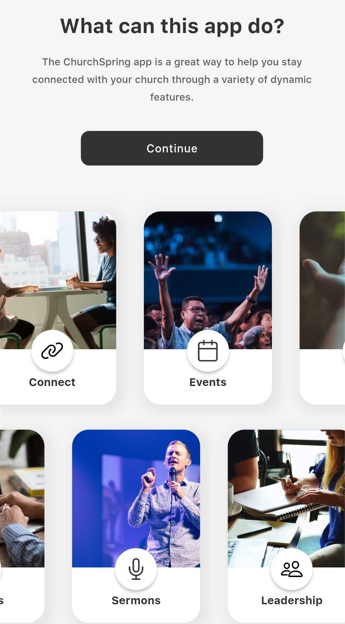
- Step 2: Once you download and open the app, you'll see a description of the app. Click the black "Continue" button and type in "Littleton" or "Littleton Seventh-day Adventist" in the search function.
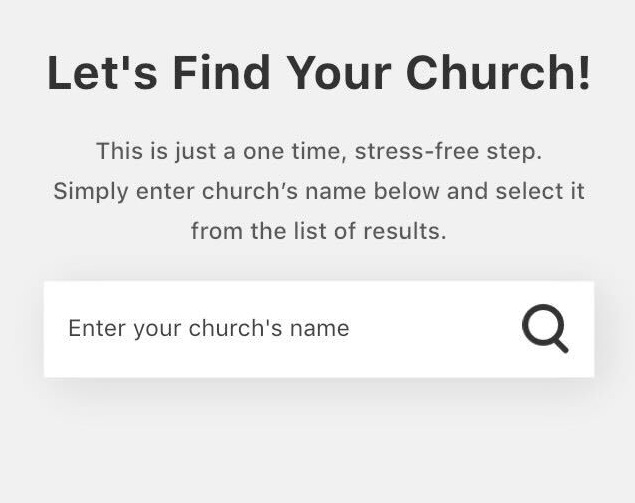
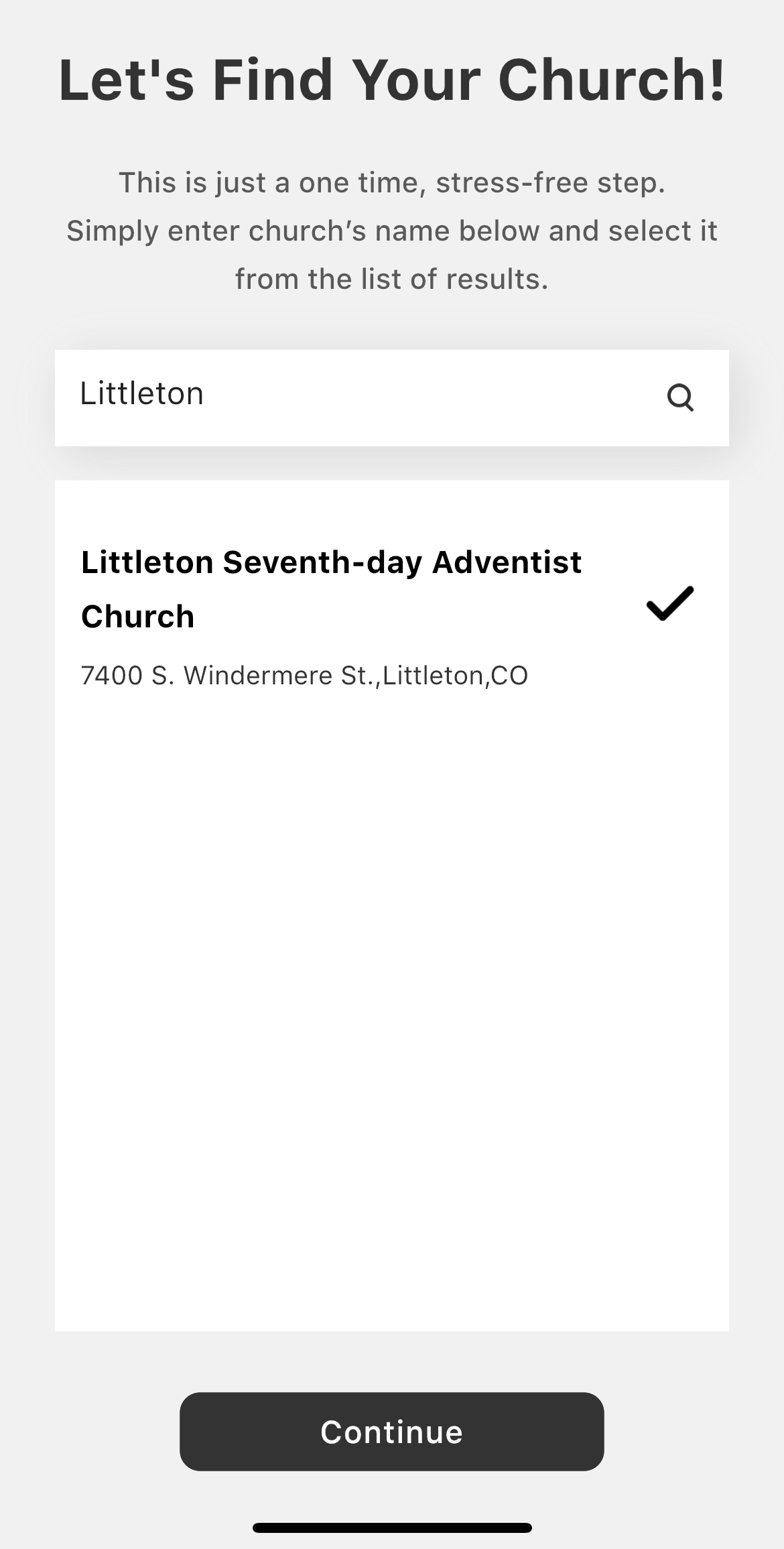
- Step 3: Select "Littleton Seventh-day Adventist Church" by tapping on the bold text in the listing. Tap the black "Continue" button to open your church app. At this point, you're ready to enjoy the app! If you would like to create or login to your account, keep reading Step 4 and beyond.
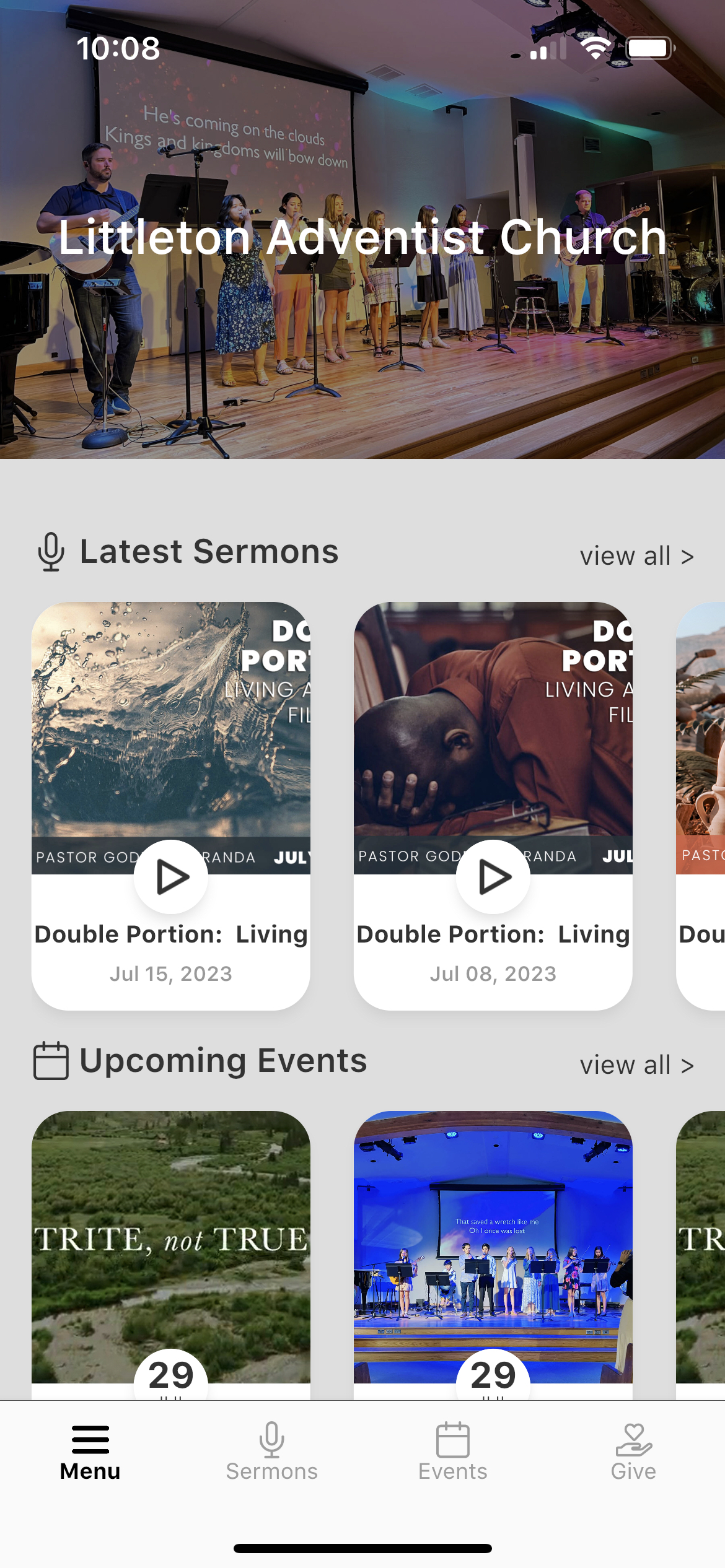
- Step 4: From the app dashboard, tap "Menu" in the bottom-left of your screen.
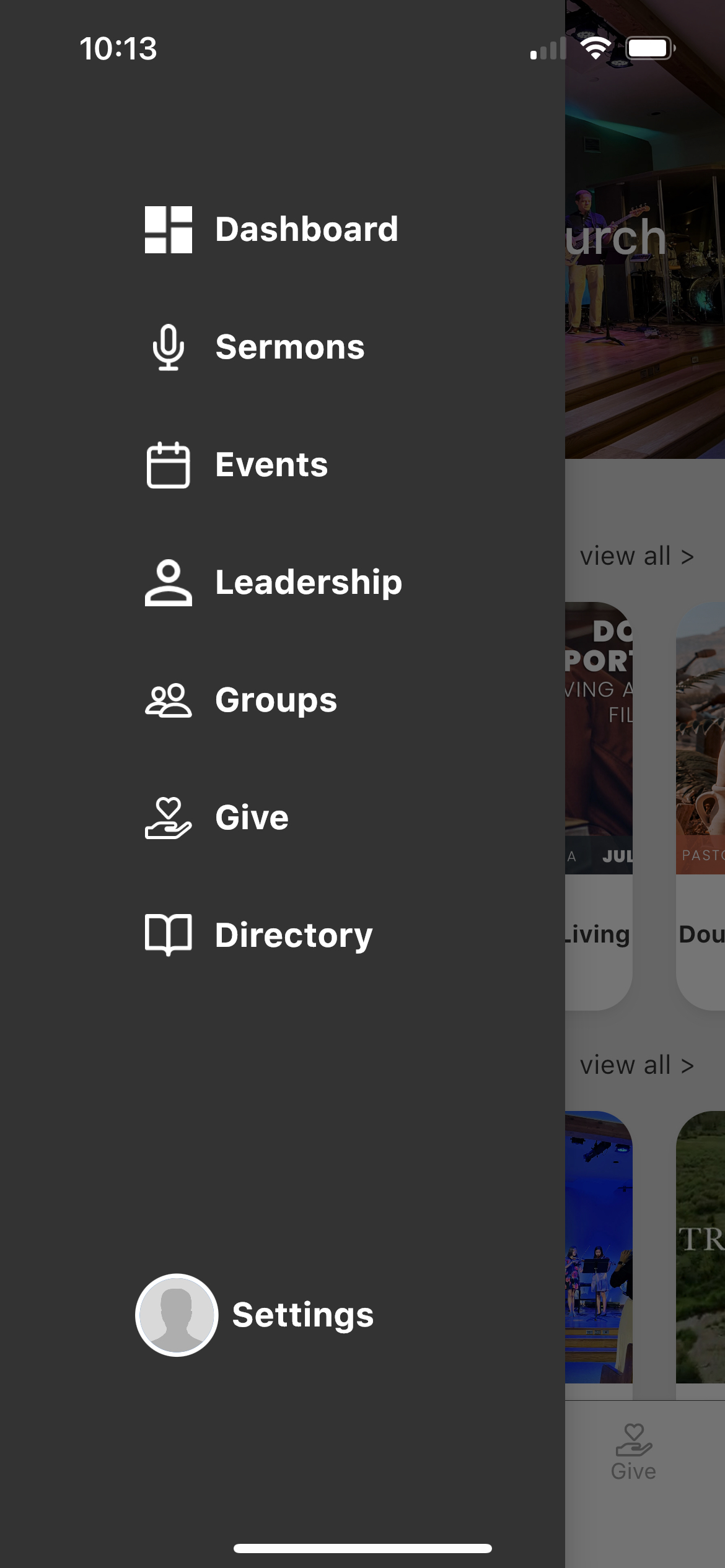
- Step 5: When the menu appears from the left side of your screen, tap "Settings" at the very bottom.
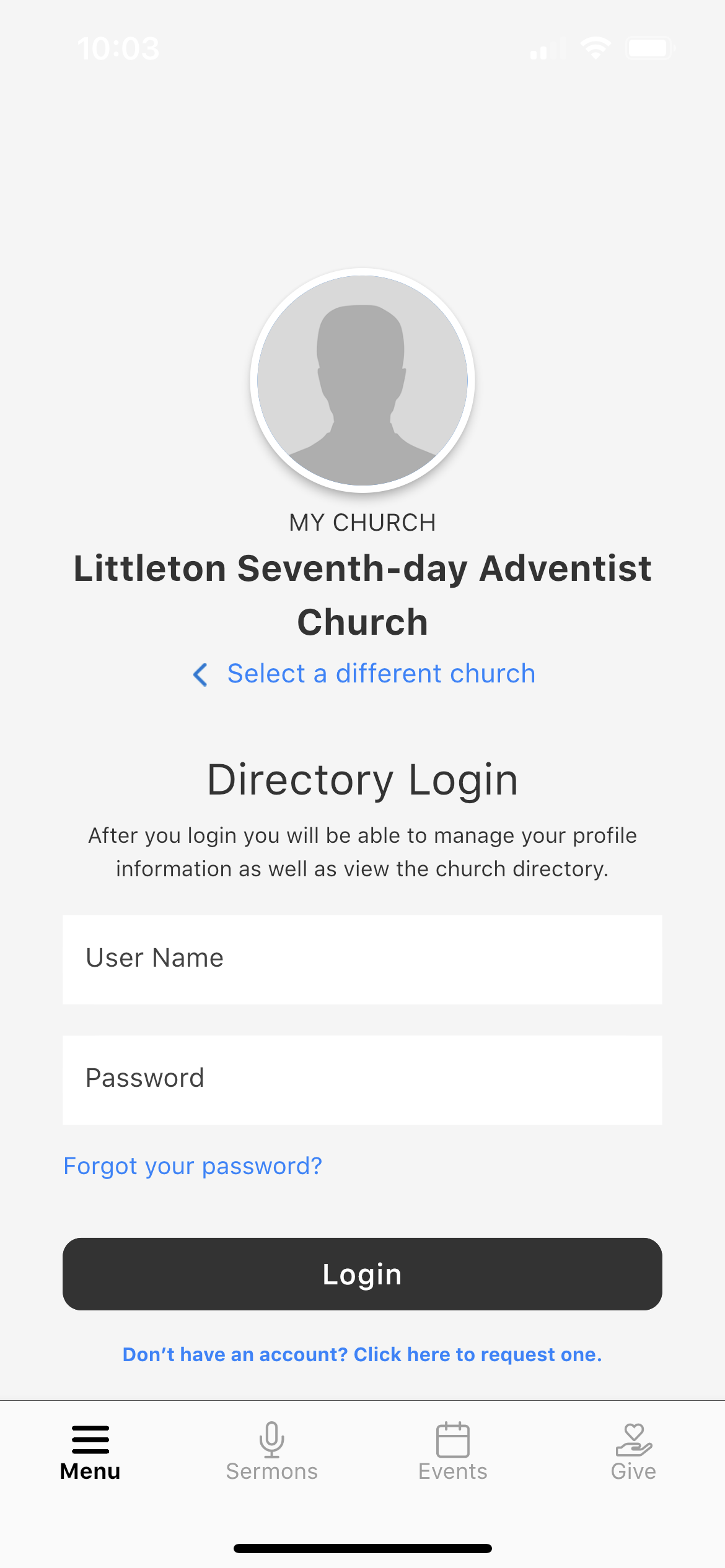
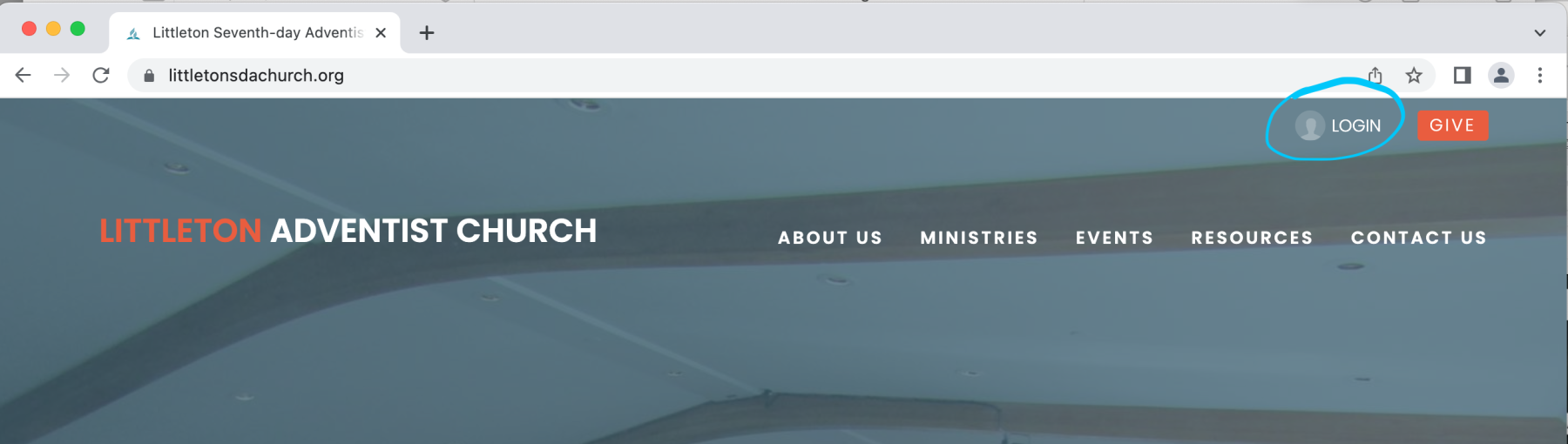
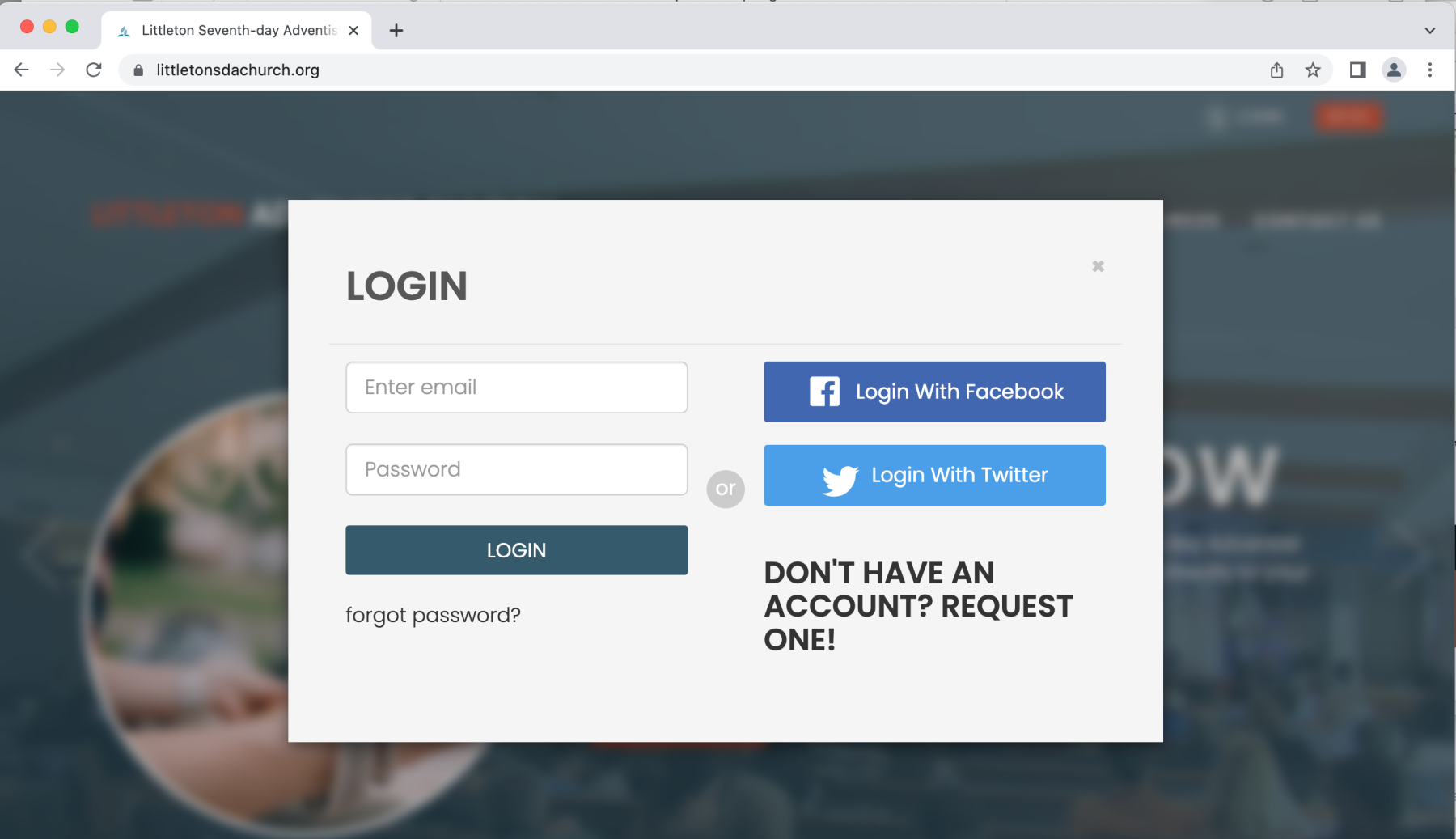
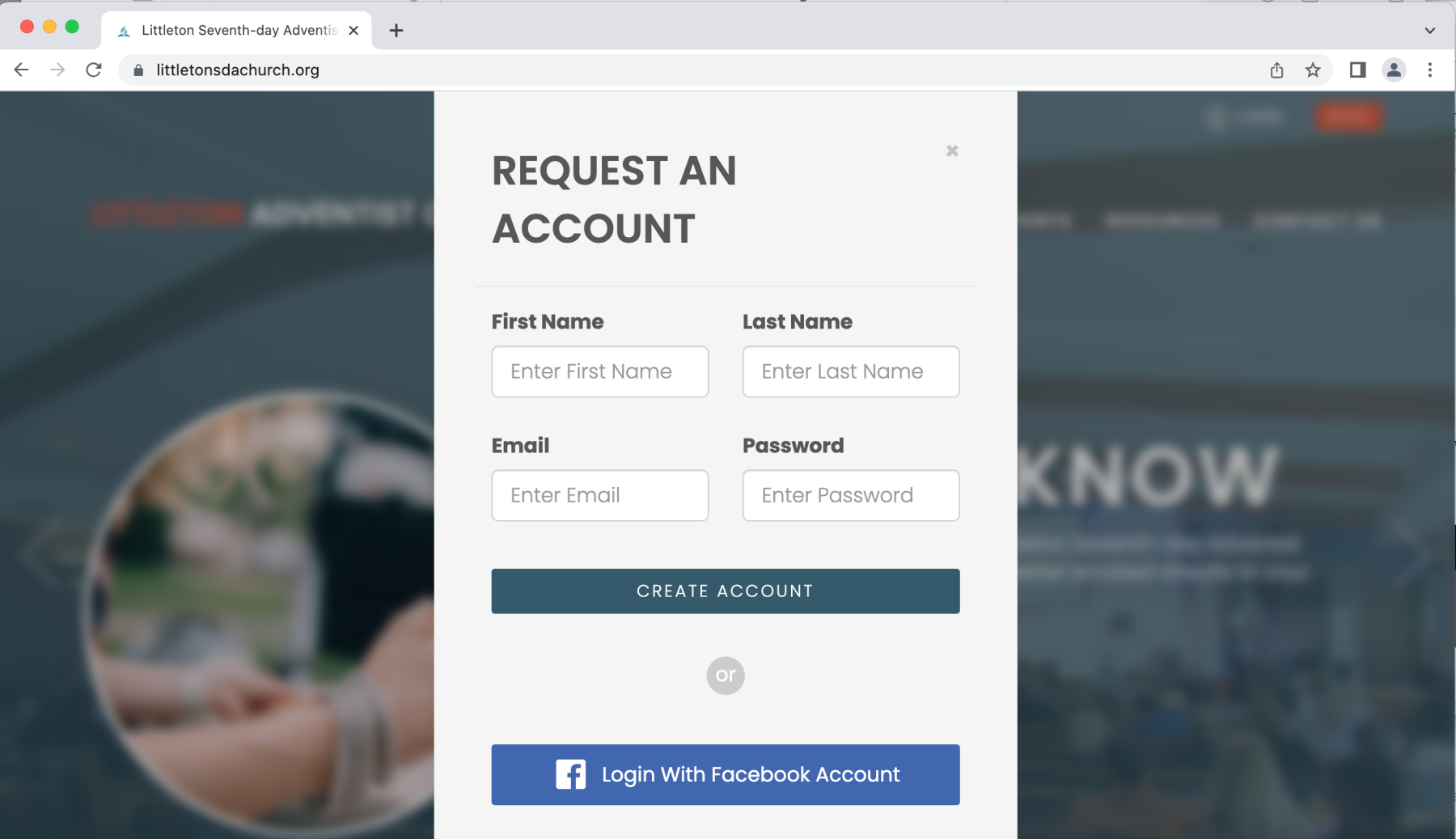
- Step 6: From here, you may login to an existing account OR request to create a login account by tapping the "Click here to request one" line beneath the LOGIN button. Creating an account will add you to our online church directory (upon admin approval) and give you access to view others' profiles who have also created an account. NOTE: You may also create a login account from a web browser following the instructions below.


 Live Steaming

 Groups
